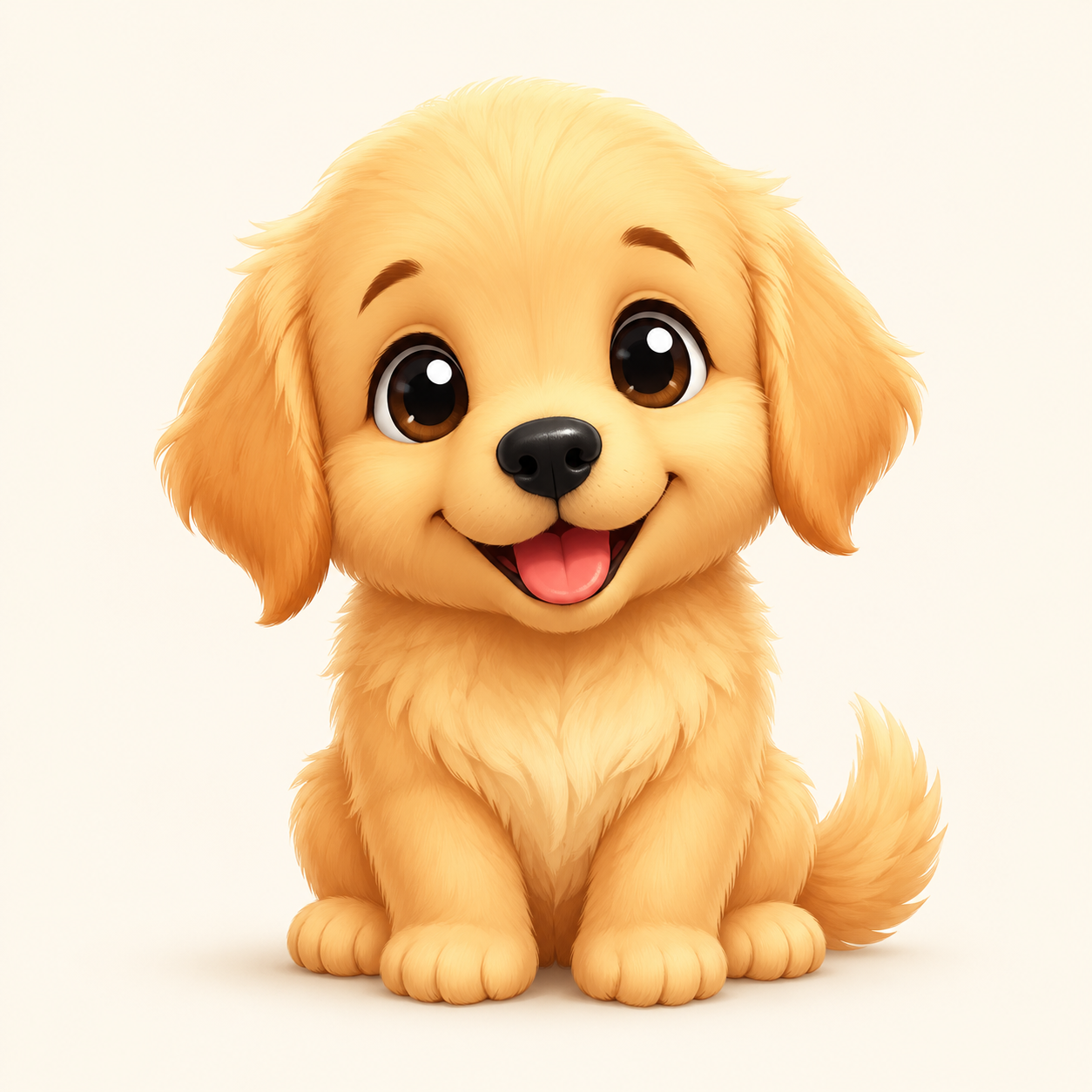
AI Photo to Chibi · Upload a Portrait or Selfie

Thousands of chibi characters created and counting.

Photo to Chibi

Turn any photo into an adorable chibi character in seconds. Upload a selfie, portrait, or full-body shot and watch AI transform it into cute anime-style chibi art — keeping your unique features while adding that signature oversized head, big eyes, and tiny body.

Total generated

...

Generated today

...

Top style

avatar

Photo to Chibi

Generate Photo to Chibi

JPG, PNG, or WebP. A clear face shot under 5MB is recommended for fastest processing.

Portrait Chibi works best when you want to keep facial likeness.

Credit cost: Text-to-chibi: 3 credits

SSR 首屏已就绪,提交后会调用 Hono 接口生成模拟结果。

Inspiration

See what others created from photos
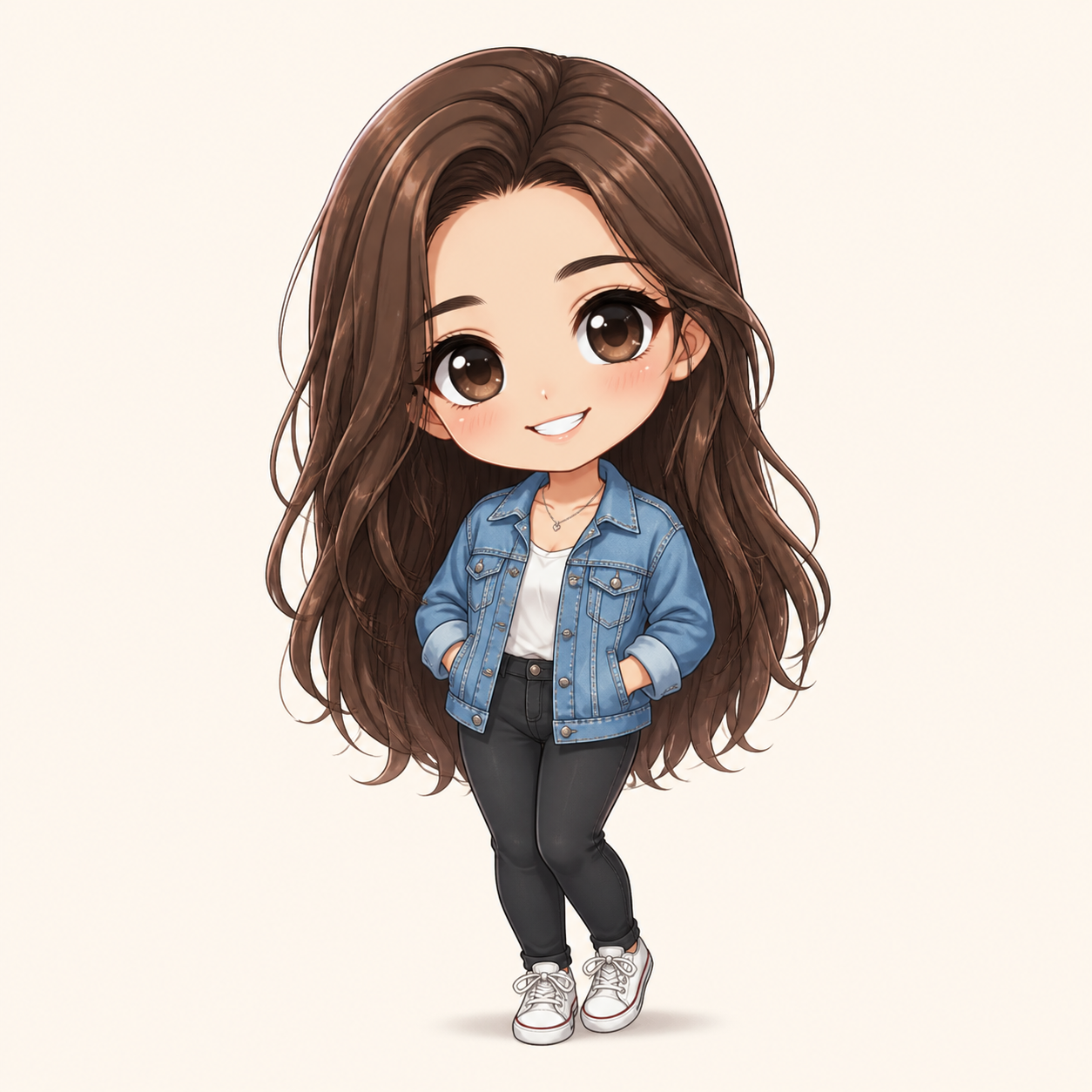
Photo to chibi example

Inspiration

See what others created from photos
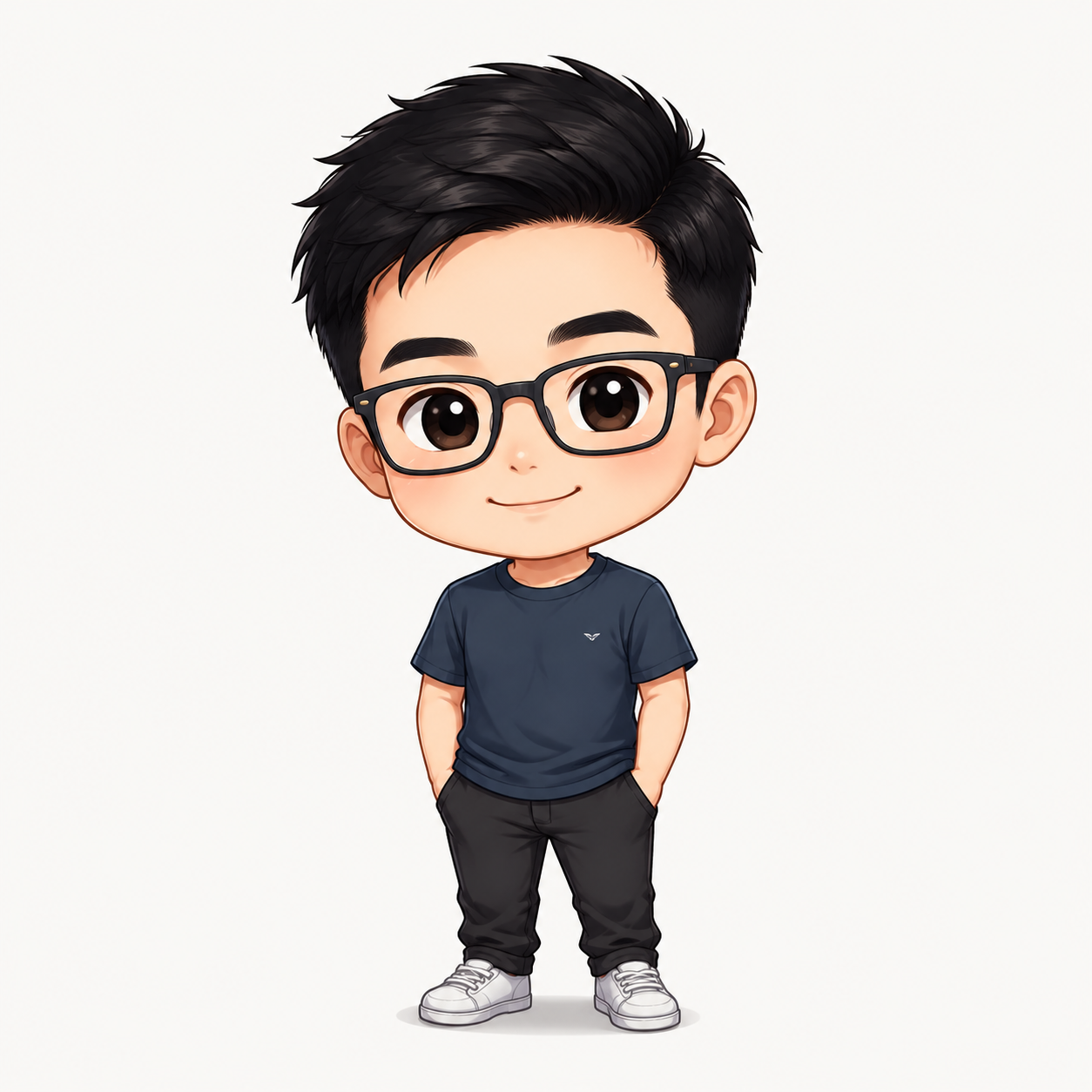
Photo to chibi example

Recent Creations

See what the community is creating right now

No recent creations yet. Be the first!

How Photo to Chibi Works

Turn any photo into an adorable chibi character in seconds. Upload a selfie, portrait, or full-body shot and watch AI transform it into cute anime-style chibi art — keeping your unique features while adding that signature oversized head, big eyes, and tiny body.

1. Upload your photo
A clear face shot works best. Front-facing portraits with good lighting give the most accurate results.
2. Choose a chibi style
Pick from Classic Chibi, Kawaii Soft, or Portrait Chibi depending on how stylized you want the result.
3. Add optional notes
Want a specific outfit, background color, or expression? Add a short description to guide the AI.
4. Generate and download
Your chibi version is ready in seconds. Download it for use as an avatar, sticker, or gift.

Explore More Chibi Tools

Specialized generators for different chibi use cases

What Makes a Good Source Photo

See what others created from photos
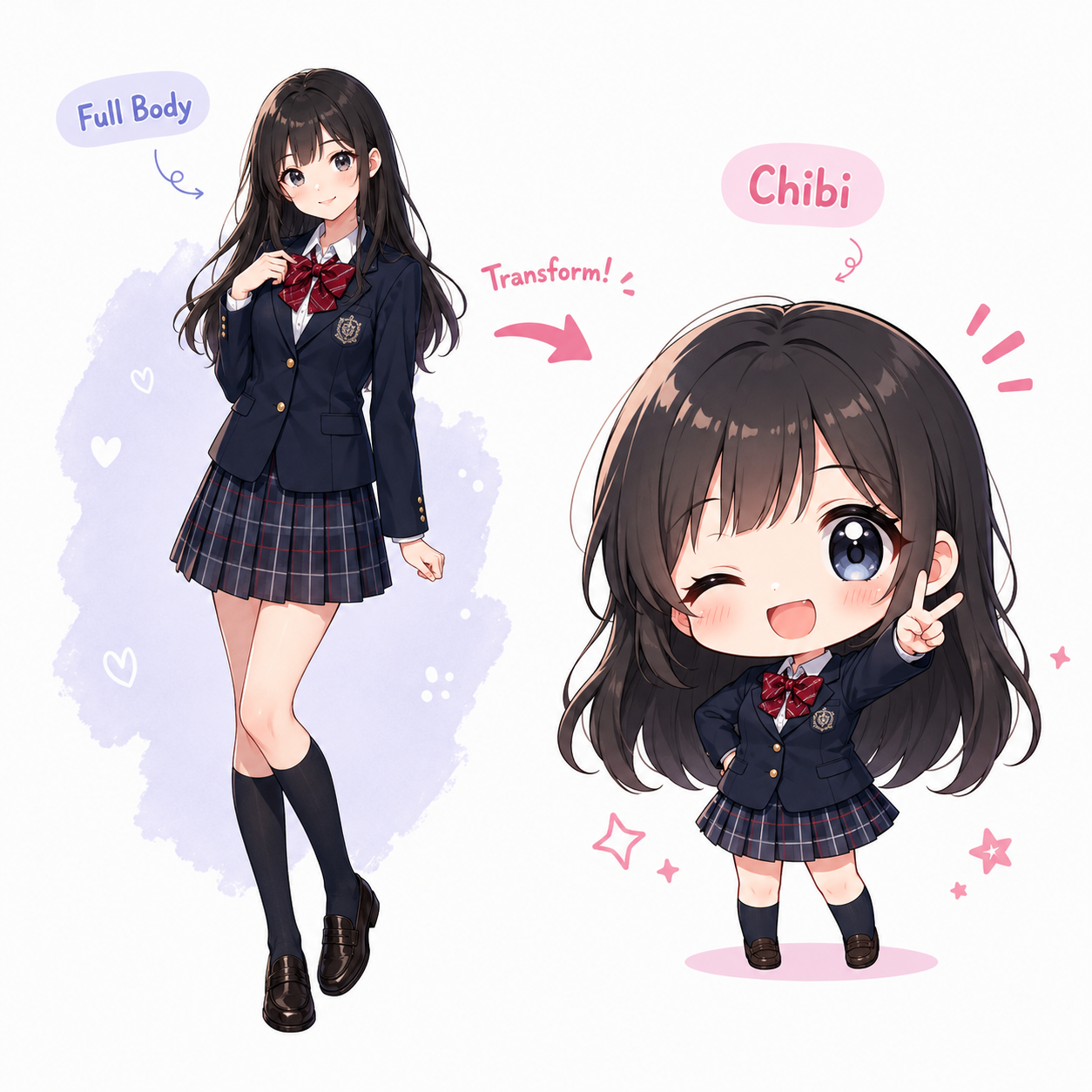
1

Clear face visibility

The AI needs to see facial features to create an accurate chibi version.

2

Simple background

A cluttered background won't affect the chibi output, but a clean one helps the AI focus on your likeness.

3

Good lighting

Natural light or well-lit indoor shots produce the best chibi transformations.

4

Any angle works

Front-facing is ideal, but slight angles still produce great results.

FAQ

Does the chibi keep my likeness?
Yes. The AI preserves key features like hair color, hairstyle, eye color, and accessories while applying the chibi art style.
What photo format should I upload?
JPG, PNG, or WebP. Keep the file under 5MB for fastest processing.
Can I upload group photos?
For best results, upload one person per photo. The AI focuses on the primary face detected in the image.
Is my photo stored?
No. Your uploaded photo is processed and immediately discarded. We do not store or share your images.

FAQ

Does the chibi keep my likeness?
Yes. The AI preserves key features like hair color, hairstyle, eye color, and accessories while applying the chibi art style.
What photo format should I upload?
JPG, PNG, or WebP. Keep the file under 5MB for fastest processing.
Can I upload group photos?
For best results, upload one person per photo. The AI focuses on the primary face detected in the image.
Is my photo stored?
No. Your uploaded photo is processed and immediately discarded. We do not store or share your images.